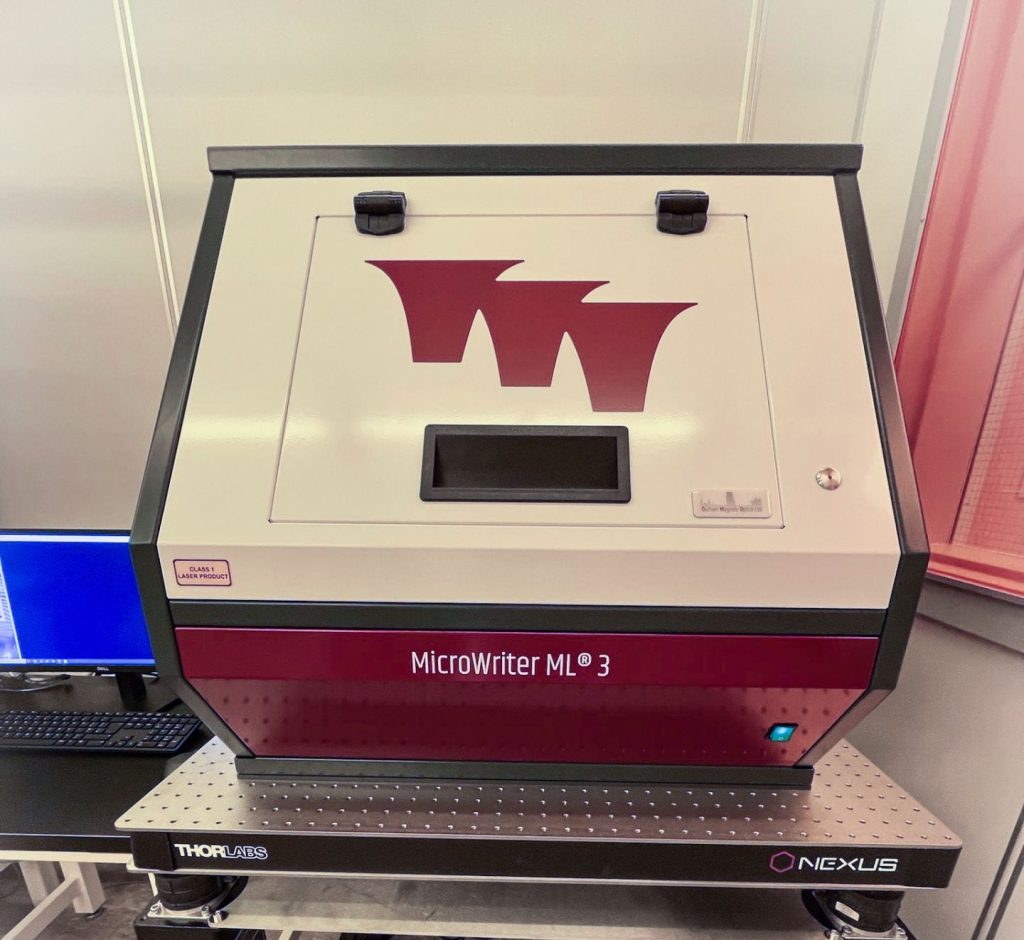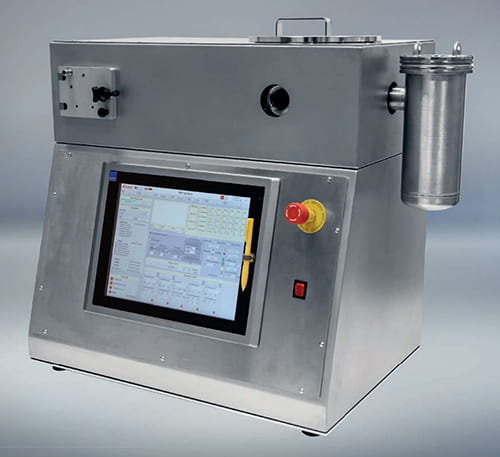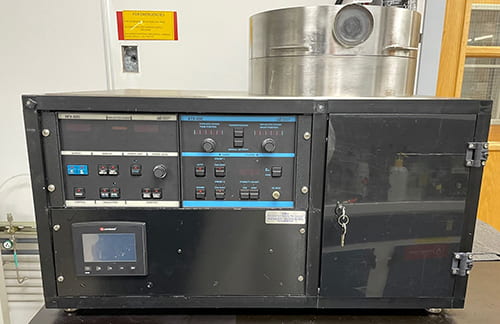
DANGERS TO YOU:
DANGERS TO EQUIPMENT:
USING THE MICROSCOPE:
Turn on red VACUUM valve and black COMPRESSED AIR valve
on the wall to the left of the mask aligner (listen
for air flow). Do not turn on nitrogen gas (turn on
only as needed).
When aligner is powered up, the pneumatic mechanism moves the microscope to home position; make sure the path is free of objects. Press red POWER button on mask aligner. Red light should go on. If alarm sounds, air flow is insufficient.
Turn on the microscope lamp timer (rotate timer CW).
The microscope manipulator is equipped with pneumatic brakes which can be unlocked by pressing the buttons on the manipulator handle; the top button enables Y motion, the bottom enables X motion, and both pressed together allow motion in all directions. The motion is intuitive as you look into the microscope; as you move the manipulator to the right, the microscope moves to the left, but the image moves to the right.
USING THE CONTACT PRINTER AND MASK ALIGNER:
Turn on black UV LAMP POWER switch (on CIC 500 supply).
Wait through test cycle on LED display, then press
START just below the power switch. Lamp should start
within 4 fires; if not, ask for help. Optical sensor
should be in CI2 mode (for 405nm sensor).
Allow lamp to warm up (5 minutes after tone sounds).
AUTO-PROGRAM EXPOSURE LEVEL: With mask holder and wafer chuck in place but EMPTY, rotate lever on left of aligner away from you to bring wafer chuck into the CONTACT position. Contact light should go on. Set exposure timer to 15 seconds (outer clear ring to 1.5, black multiplier knob to x10s). Make sure microscope path is clear. Press the green EXPOSURE button and watch thef nitrogen. Flip the mask holder back over, reinsert it (slide it all the way in) and clamp it in place.
SET HEIGHT: Using the lowest mag objective (10x), focus on the mask features. Slide the mask holder out most of the way to the left and clamp it so it does not interfere with the wafer chuck. On the wafer chuck placather than two; this will allow the separation lever to bring them out of contact. Then remove test substrate.
LOAD SAMPLE: Place on the wafer chuck, photoresist up. Put wafer more torque by pressing up with index finger of left hand on the shaft of lever while pressing down with thumb on end of lever. Do not over torque--if in doubt, ask for help.
ALIGNMENT: Bring separation lever toward you (separation light goes on). Use low mag objective (10x) for initial alignment, focusing on both sample and mask. Align using x, y, and theta controls; move to one edge of the mask and align x and y; move the other edge and align half way using theta, the other half using x and y. Repeat until entire sample is aligned. Releasing the sample and your mask).
FURTHER EXPOSURES: You need not reset the height if you are using the same mask and the same substrate thickness.
SHUT DOWN: Turn off the UV lamp. The cooling air must remain on for 10 minutes after the lamp is off; the aligner and microscope light can be on or off during this time. Turn off the mask aligner. After UV lamp is cool, turn off compressed air and vacuum lines.
OTHER INFORMATION: 200W mercury lamp replacement part number 610MS063 (about $210).